
How to Redeem State Connect Codes
Platform steps, paste tips, troubleshooting, and what to buy with gift rewards.
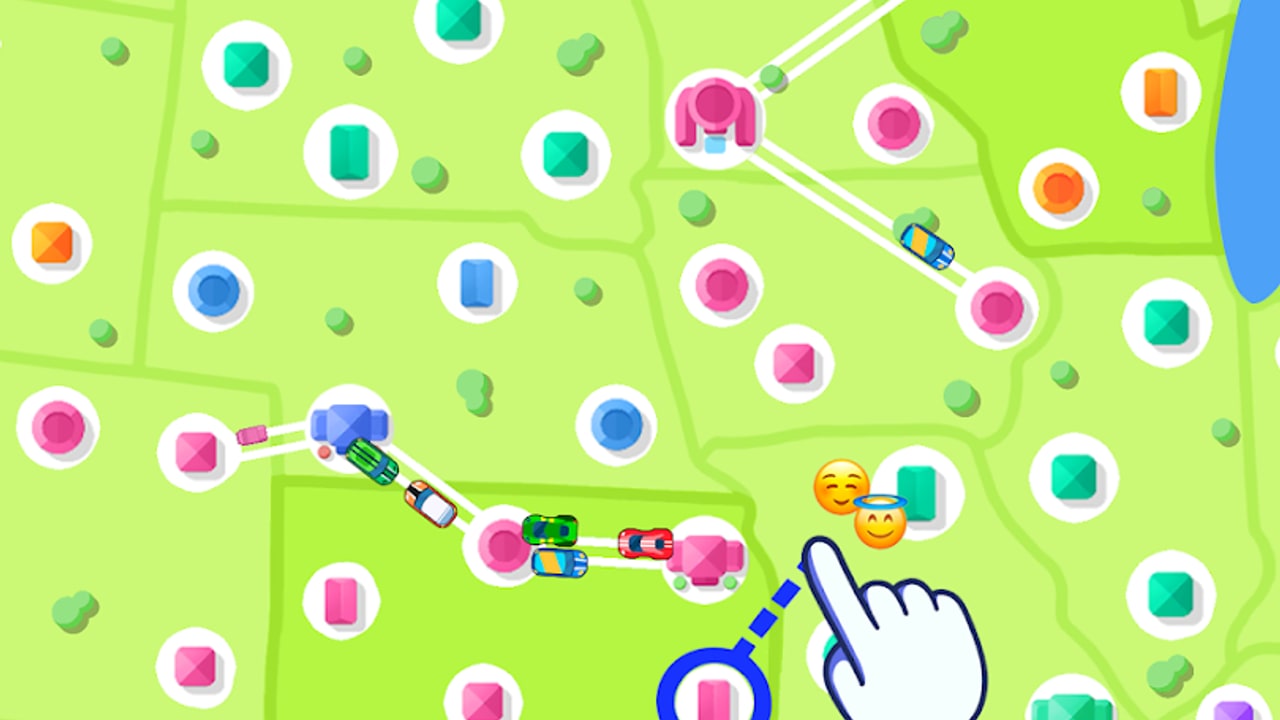
Promo codes are one of the few free accelerators in State Connect: Traffic Control. A working gift string can dump starter cash, crystals, or a short boost into a new save and shave real hours off the first territory unlocks. This page is the deep redeem walkthrough: where the gift field lives on Android, iOS, and Windows, how to paste without typos, what each error message usually means, and how to spend the payout so it compounds instead of vanishing into a weak city.
Treat every code on the Codes Hub as reported, not guaranteed. Strings expire without a patch note. If redemption fails after a careful paste, the code is almost always dead—not a broken save. Pair this guide with the live list on Codes, the spend order on the upgrade tier list, and the first-hour plan in Getting Started.
Before you redeem
- Update the app from Google Play (
com.TwinCrab.Motorpolia), the App Store (id1590353335), or the Windows storefront you installed from. Old builds sometimes hide or rename the gift UI. - Launch once and let the map and offline claim settle so menus are fully loaded.
- Copy the code from the Codes Hub rather than retyping from memory. Prefer uppercase paste with no spaces.
- Know what you will buy first. Soft currency should follow Speed → Earnings → Experience priorities; crystals should wait for a high-leverage multiplier or gate. The tools checklist helps you decide in under a minute.
Codes redeem inside the game, not on the Play Store page, App Store page, or aigames.ae. Never enter a State Connect gift string on a random “generator” site.
Android redeem steps
- Open State Connect and wait for the highway map to appear.
- Tap your profile, avatar, or settings icon—usually a corner button on the main map HUD.
- Scan for Gift code, Promo code, Redeem, Coupon, or a gift/shop submenu. Some builds nest the field one level under Shop or Account.
- Tap the text box, long-press, and Paste. Avoid the on-screen keyboard for long strings; letter/number swaps (
0vsO,1vsI) are the most common self-inflicted fails. - Confirm. A success dialog lists cash, crystals, or timed boosts. Claim everything before dismissing.
- Glance at your currency counters on the map to confirm the bump landed, then spend with a plan.
If you cannot find the field, update the app, force-close and relaunch, and check both the profile panel and any shop tab. UI labels drift between versions even when the redeem flow stays the same idea.
iOS redeem steps
- Launch State Connect on iPhone or iPad and let the session load fully.
- Open profile / settings / account—same corner HUD pattern as Android.
- Enter the gift or promo screen. On iPad the layout is wider, but the field name is the same family of labels.
- Paste from Safari or Notes. iOS sometimes adds a trailing space when you copy from a webpage; delete any space after the last character before confirming.
- Confirm and claim. If iCloud or Game Center prompts appear, finish those first so the redeem dialog is not interrupted mid-claim.
- Verify counters, then return to the map and invest using the tier list priorities.
Players who keep State Connect on both phone and tablet should redeem on the device that holds the active save. Codes are typically one redeem per account; a second device will usually see “already used.”
Windows redeem steps
- Start the Windows build from the storefront you installed and wait for the map.
- Open profile or settings with mouse or touch. Keyboard focus in the gift field makes paste (
Ctrl+V) reliable. - Paste the exact string. Watch for invisible characters if you copied from a formatted document—plain text from the Codes Hub is safest.
- Confirm, claim, and check the cash / crystal readout.
- If the window was resized or in a weird DPI mode and buttons feel clipped, restore a normal window size and reopen the menu before assuming the feature is missing.
Windows players still follow the same spend rules afterward: dense roads first, then globals that multiply that network. Getting Started covers the early map shape that makes gift cash actually matter.
Troubleshooting invalid, expired, and already used
| Message / symptom | Likely cause | What to do |
|---|---|---|
| Invalid / incorrect code | Typo, extra space, wrong case, or never-real string | Paste once more carefully; then stop |
| Expired | Campaign window ended | Remove from your checklist; check Codes later |
| Already used / already redeemed | One-per-account limit | Do not retry; the gift already landed or never will on this save |
| No gift field visible | Outdated build or nested submenu | Update app; check Shop and Profile |
| Success UI but no currency change | Missed claim tap or delayed sync | Reopen profile, restart app once, re-check counters |
Rules of thumb: one careful retry, then move on. Spamming a dead code will not unlock a secret second payout. Year-stamped strings such as TRAFFIC2024 carry elevated expiry risk even when trackers still list them—see the dated notes on the Codes Hub.
Paste and typing tips that prevent false fails
- Copy from this wiki’s code table, not from a screenshot OCR.
- Do not insert spaces, hyphens, or line breaks.
- Keep the original capitalization trackers show (usually all caps).
- Disable sticker / suggestion bars that might replace characters while typing.
- If paste seems empty, tap the field again and paste a second time before typing manually.
False “invalid” results from typos waste more player time than almost any other redeem mistake.
Security: no generators, no APKs, no fake sites
State Connect codes are finite promo strings published for real campaigns. There is no legitimate “unlimited crystal generator.” Avoid:
- Third-party APKs that promise free diamonds
- Sites that ask for your Google or Apple password to “inject” a code
- Discord or social DMs selling “private working lists” for payment
- Modified clients that claim to bypass redeem limits
Official distribution is the store listings above and developer presence under Twin Crab / Casual Azur Games (AI GAMES FZ LLC). Redeem only in-game. If a creator wants a screenshot of your account settings in exchange for crystals, walk away.
What to spend rewards on
Gift soft currency should follow the same curve as normal play:
- Early: favor global Speed so trips finish faster, then Earnings so each stop pays more. Upgrade hub cities that sit on many routes before quiet leaf towns.
- Mid: keep Speed and Earnings balanced; push Experience when the next state or continent is the real gate.
- Crystals / diamonds: hold for timed multipliers you will play or AFK through, or for purchases that clear a meaningful gate. Skip cosmetics while high-value links remain unbuilt.
New accounts should finish the basics in Getting Started before dumping a large gift into one city. Connecting dense pairs first multiplies every upgrade you buy afterward. For session timing, reward-ad decisions, and crystal budgeting, use the tools hub after you claim.
After a successful redeem
- Confirm currency counters moved.
- Open the tier list or your mental Speed / Earnings / Experience priority.
- Buy one high-impact upgrade or hub level—not five random taps.
- Redraw any missing high-value roads so offline income uses the new power.
- Bookmark Codes and return after store updates; gift waves sometimes ride alongside patches.
Used well, a single welcome code funds the first meaningful Speed ranks and a denser road net—the foundation the rest of this wiki assumes you will build on.
Frequently Asked Questions
Quick answers to the most common State Connect questions.
Where is the State Connect redeem code field?
Open the in-game profile, settings, or account panel and look for Gift code, Promo code, Redeem, or a nested shop gift entry. Codes are redeemed inside the app, not on the store page.
Why does my code say invalid even though I copied it?
Check for trailing spaces, wrong capitalization, or letter/number swaps. Paste once more carefully. If it still fails, the code is likely expired—stop retrying and check the Codes Hub.
Can I redeem the same State Connect code on two devices?
Usually no. Most promo codes are one redeem per account. The second device typically returns already used even if the string is still live for new players.
Do Android, iOS, and Windows use different codes?
No. The same gift strings are entered in each build’s profile or settings gift field. Always update the app so the redeem UI matches current store builds.
What should I buy first after redeeming?
Prioritize global Speed early, then Earnings, and use Experience when region unlocks are the bottleneck. Upgrade busy hub cities before quiet towns, and save crystals for multipliers or real gates.
Are code generator sites safe for State Connect?
No. Avoid generators, shady APKs, and sites that ask for account passwords. Use only in-game redemption and official Twin Crab / Casual Azur Games store listings.