
State Connect Codes
Gift codes, redemption shortcuts, and what to spend the rewards on first.
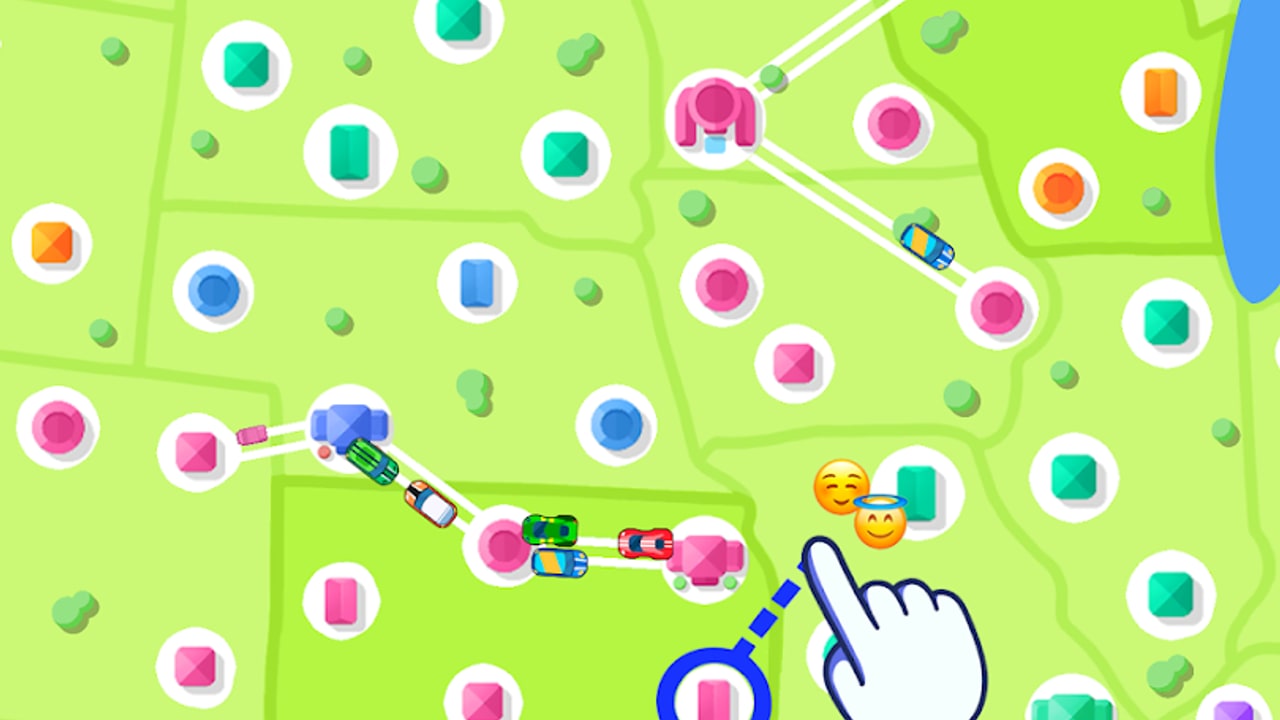
Promo and gift codes are one of the few free accelerators in State Connect: Traffic Control. The idle loop already pays you while roads run, but early cash, crystals, and boosts from a working code can shave hours off the first territory unlocks. This hub lists the codes trackers still report, points you to the full redeem walkthrough, and explains what to buy with the rewards so you do not waste a one-time gift on a weak upgrade.
Codes rotate. Publishers and community trackers publish strings that work for a while and then fail silently in the redeem box. Treat every entry below as reported, not guaranteed. If a code rejects, it is almost always expired or mistyped—not a bug in your save. Check this page again after major patches, and cross-check Updates when the developer ships a content drop that often arrives with a fresh string.
Active codes (reported — Nov 2026)
As of November 2026, gift-code trackers and player reports still list the three strings below for State Connect. That listing is not a guarantee they will redeem on your build today. Rewards summarized here come from those reports; the in-game confirm screen is the only authoritative payout. Enter codes exactly as shown (usually uppercase, no spaces).
| Code | Reported reward | Status note |
|---|---|---|
WELCOME | Starter cash / boost bundle | Common welcome string; try first on a new account |
STATECONNECT | Currency or crystal pack | Game-name code; frequently listed by trackers |
TRAFFIC2024 | Seasonal / event-style reward | Year-stamped 2024 → elevated expiry risk; try once, then drop if rejected |
Always assume codes may expire without notice. TRAFFIC2024 deserves extra caution: a year tag is a strong signal the string belonged to a campaign window that may already be closed even while trackers keep republishing it. If redemption fails, remove it from your personal checklist and move on—do not burn session time retrying the same reject. We are not inventing additional codes beyond what trackers still surface.
How to redeem (short path)
Redeem lives in profile or settings, not on the main map. For the full Android / iOS / Windows walkthrough, paste tips, error-table troubleshooting, and security notes, use How to Redeem Codes.
Quick checklist:
- Update and launch State Connect; let the map settle.
- Open profile, settings, or account → Gift / Promo / Redeem.
- Paste the code (avoid
0/Otypos); confirm and claim. - One careful retry on error, then stop if it still fails.
After a successful redeem, confirm currency counters moved. Pair this hub with the upgrade tier list, Crystals, Diamonds & Keys, and the tools session checklist so free gifts actually move progression.
What to spend code rewards on
State Connect’s global upgrades are Speed, Earnings, and Experience, plus per-city upgrades that raise local traffic and payouts. Codes usually dump soft currency or crystals. Soft currency should follow the same priority curve as normal play:
- Early game: favor Speed so cars finish trips faster and the idle loop ticks more often, then sprinkle Earnings so each stop pays more. Use city upgrades on hubs that feed many routes, not on dead-end towns.
- Mid game: keep Speed and Earnings in balance; add Experience when you are gated on the next state or continent unlock rather than raw cash.
- Crystals / diamonds: hold them for high-leverage moments—timed multipliers you will play or AFK through, or clearing a meaningful gate. Avoid impulse cosmetics if your map still has unbuilt high-value links. Deeper pack and key guidance lives on Crystals, Diamonds & Keys.
New players should finish the basics in Getting Started before dumping a large gift into a single city. Connecting the densest city pairs first multiplies every upgrade you buy afterward.
Expired, unknown, and fake codes
Trackers republish old lists. You will see strings that once worked and now return immediate errors. You will also see mistyped clones (STATE CONECT, extra spaces, lowercase variants) that never worked. Rules of thumb:
- One reject after a careful paste = treat as dead.
- Never download “code generator” APKs or shady redeem sites; they are unrelated to Twin Crab / Casual Azur Games and risk account or device security.
- Official store pages are the Play listing for
com.TwinCrab.Motorpoliaand the App Store app id1590353335. Developer site: aigames.ae. Codes are redeemed in-game, not on those websites. - If a creator promises infinite crystals for sharing a screenshot, ignore it. State Connect codes are finite promo strings, not exploit tools.
When a code expires, update your personal note and keep building. The idle economy still progresses through highways, city levels, and global upgrades; codes are a bonus, not a requirement. Platform-specific paste fixes and “already used” handling are covered on How to Redeem.
Codes versus ads and IAP
Free progression is intentionally slow. Interstitial ads appear roughly every minute for many players, and waiting on the next continent after clearing available territory is a common soft lock. Codes do not remove ads. The optional ad-free purchase (often around the $8–10 range) reduces forced interstitials but reward ads can still appear when you opt into them for boosts. Use codes to buy permanent upgrades, not to paper over ad fatigue—then use the tools checklist to decide when a reward ad is worth your time versus when you should close the app and let offline income work.
Keep this hub useful
Bookmark this Codes Hub and skim it after patches. When you find a new working string, redeem first, then note the reward type so you can decide Speed versus Earnings versus Experience with the tier list in mind. For map fundamentals and the first-hour checklist, return to Getting Started. For patch context and whether a new code dropped with content, see Updates. For the long redeem guide, stay on How to Redeem Codes.
Used well, a single welcome code can fund the first meaningful Speed ranks and a denser road net—exactly the foundation the rest of the wiki assumes you will build on.
Frequently Asked Questions
Quick answers to the most common State Connect questions.
Where do I redeem State Connect codes?
Open the in-game profile or settings menu, find the Gift code / Promo code / Redeem field, paste the string exactly, and confirm. For full platform steps see How to Redeem Codes. Codes are redeemed inside the app, not on the store page.
Do WELCOME, STATECONNECT, and TRAFFIC2024 still work as of Nov 2026?
Trackers still list them as of November 2026, but that is reported-not-guaranteed. TRAFFIC2024 is year-stamped and carries high expiry risk. Try each once carefully; if rejected, stop retrying.
Can I redeem the same code twice?
Usually no. Most promo codes are one redeem per account. A second attempt typically returns an already-used or invalid error even if the code is still live for new players.
What should I buy with code rewards?
Prioritize global Speed early, then Earnings, and use Experience when region unlocks are the bottleneck. Upgrade busy cities that sit on many routes before dumping cash into quiet towns.
Do codes remove ads?
No. Codes grant currency or boosts only. Interstitials and optional reward ads are separate. Ad removal is an in-app purchase and may still leave opt-in reward ads available.
Are code generator sites safe?
No. Avoid third-party generators and APKs claiming free crystals. Use only in-game redemption and official store listings from Twin Crab / Casual Azur Games (AI GAMES FZ LLC).